Transformer Lab Teams vs Transformer Lab for Individuals
Transformer Lab can be configured to run in one of two modes:
- Transformer Lab for Individuals: Perfect for individual researchers who want to train, tune, or evaluate models locally on a single machine. Learn more in the single-node docs.
- Transformer Lab for Teams: Built for teams scaling across GPU clusters with advanced orchestration and collaboration features (see comparison below).
Choose Your Mode
Transformer Lab can be configured to run in one of two flavours. Both modes are the same app and codebase, features are just turned on and off based on which mode you activate.
| Feature | Transformer Lab For Individuals | Transformer Lab For Teams |
|---|---|---|
| Local machine training & evals | ✓ | |
| Run and Train Models that don't fit on a single machine | ✓ | |
| Experiment Management | ✓ | ✓ |
| Model Registry | ✓ | ✓ |
| Dataset Registry | ✓ | ✓ |
| Artifact Management | ✓ | ✓ |
| GPU orchestration (works with Slurm, SkyPilot) | ✓ | |
| Team collaboration | ✓ | |
| Cloud provider integration | ✓ | |
| CLI interface | ✓ | |
| Best for | Local ML on Mac/Windows/Linux | Teams (Academic and Research Labs) scaling across GPU clusters |
| License | 100% Open source | 100% Open source |
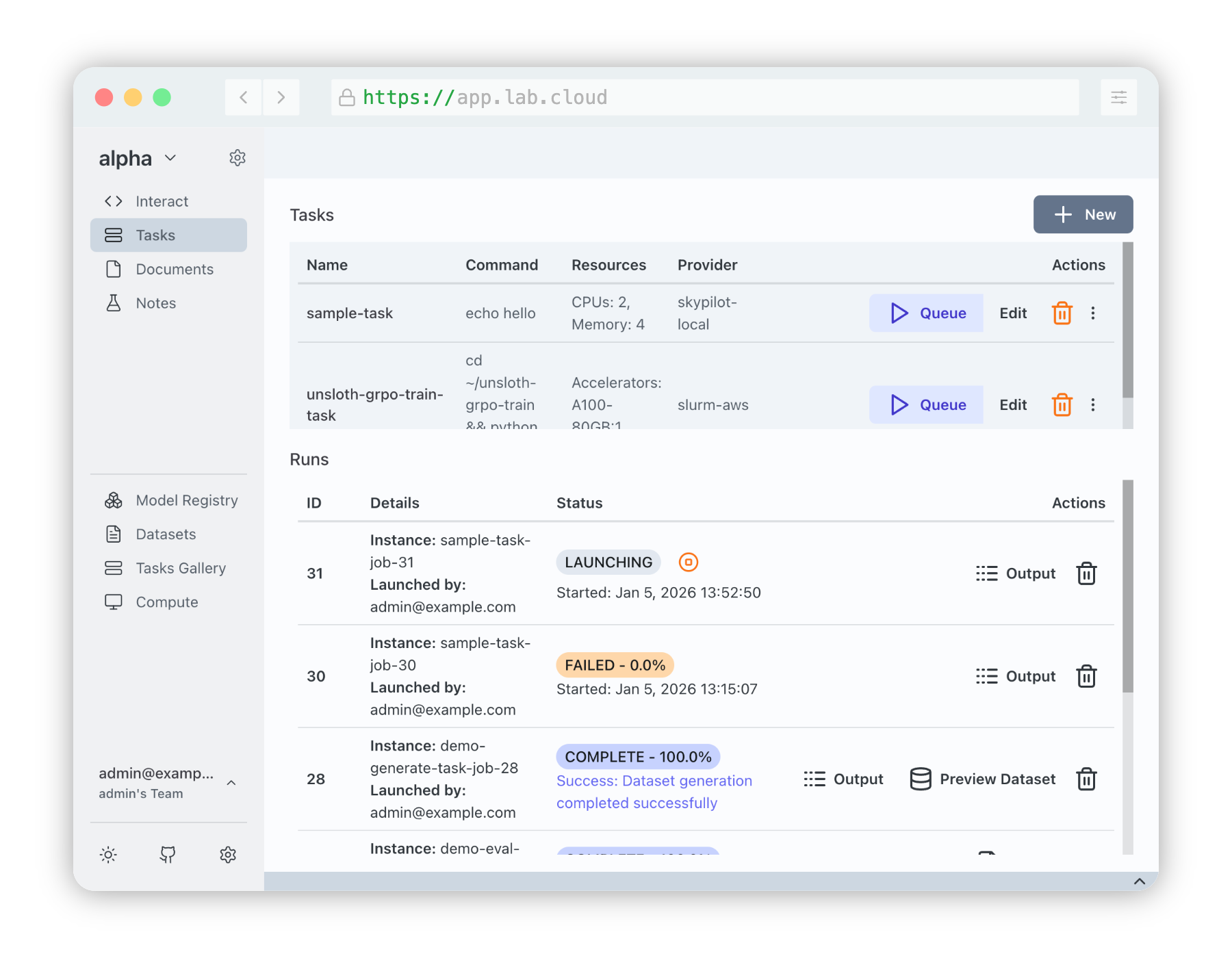
Our new Transformer Lab for Teams offers more complex capabilities designed for teams that work across clusters of GPUs. This means you can:
-
Scale Effortlessly: Researchers can go from quick Jupyter notebooks to production ML runs across hundreds or thousands of GPUs using one interface.
-
Simple Orchestration: Simply request resources and supply a script. Transformer Lab works with your GPU orchestration tool (e.g. Slurm or SkyPilot) to orchestrate the task and manage your queue.
-
Use Your Own Stack: Write code using the tools you are familiar with. Transformer Lab runs tasks directly as-is, without imposing restrictions or requiring you to re-write your code.
-
Run Any Workload: Teams use Transformer Lab to run workloads From LLMs, vision, and audio models to traditional workloads like XGBoost and YOLO. We also support broad compute types, including NVIDIA, AMD, TPU, and Apple Silicon/MLX.
-
Complexity Made Simple: Capabilities that used to require complex engineering are built-in.
- This includes capturing checkpoints (with auto-restart)
- Hyperparameter sweeps
- storing artifacts in a global object store accessible even after ephemeral nodes terminate.
Get started by reading the install instructions -->