Get Direct SSH Access to a Node
Running an SSH Service
Interactive services in Transformer Lab allow you to get direct SSH access to a remote node. This guide walks you through running an SSH service.
Prerequisites
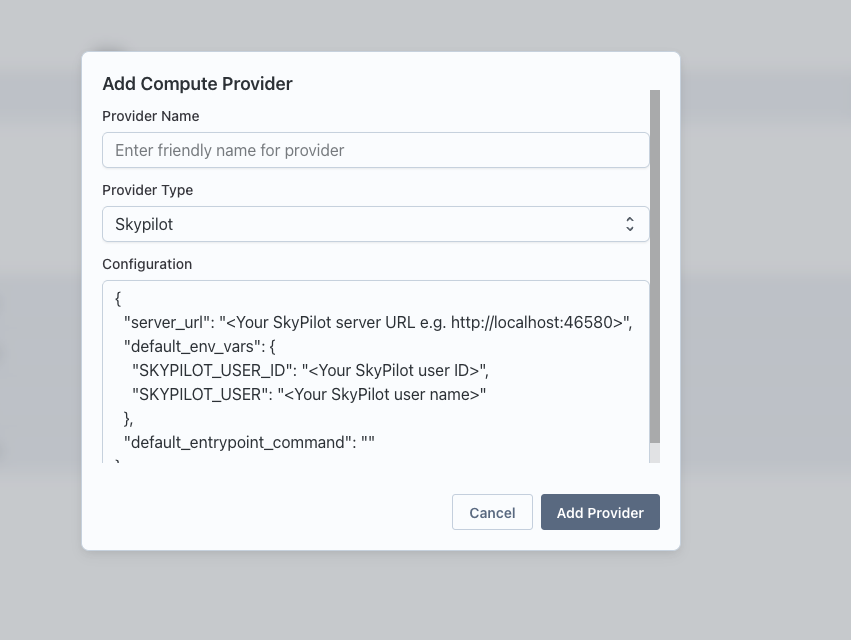
Before running an SSH service, ensure you have a Compute Provider set up and active.
-
Navigate to Team Settings and set up a Compute Provider.
-
Make sure the provider is active by clicking on the health button.

Steps to Run an SSH Service
-
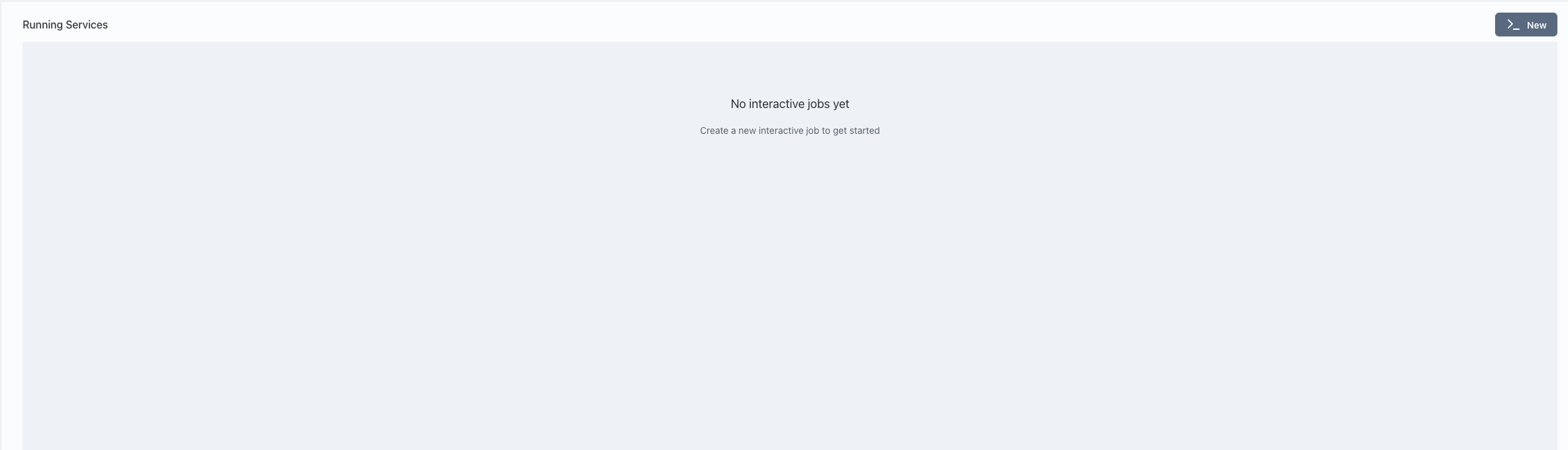
Go to the Interact page in Transformer Lab.
-
Click on the "New" button to create a new interactive service.
-
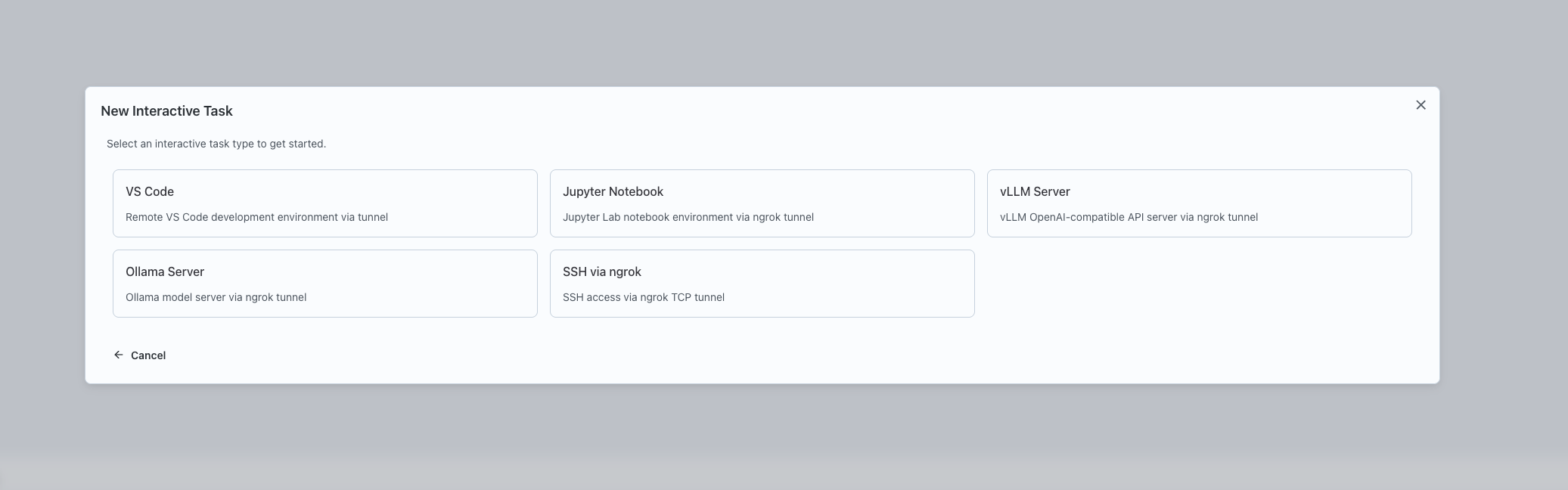
Select "SSH" as the type of interactive service to launch.
-
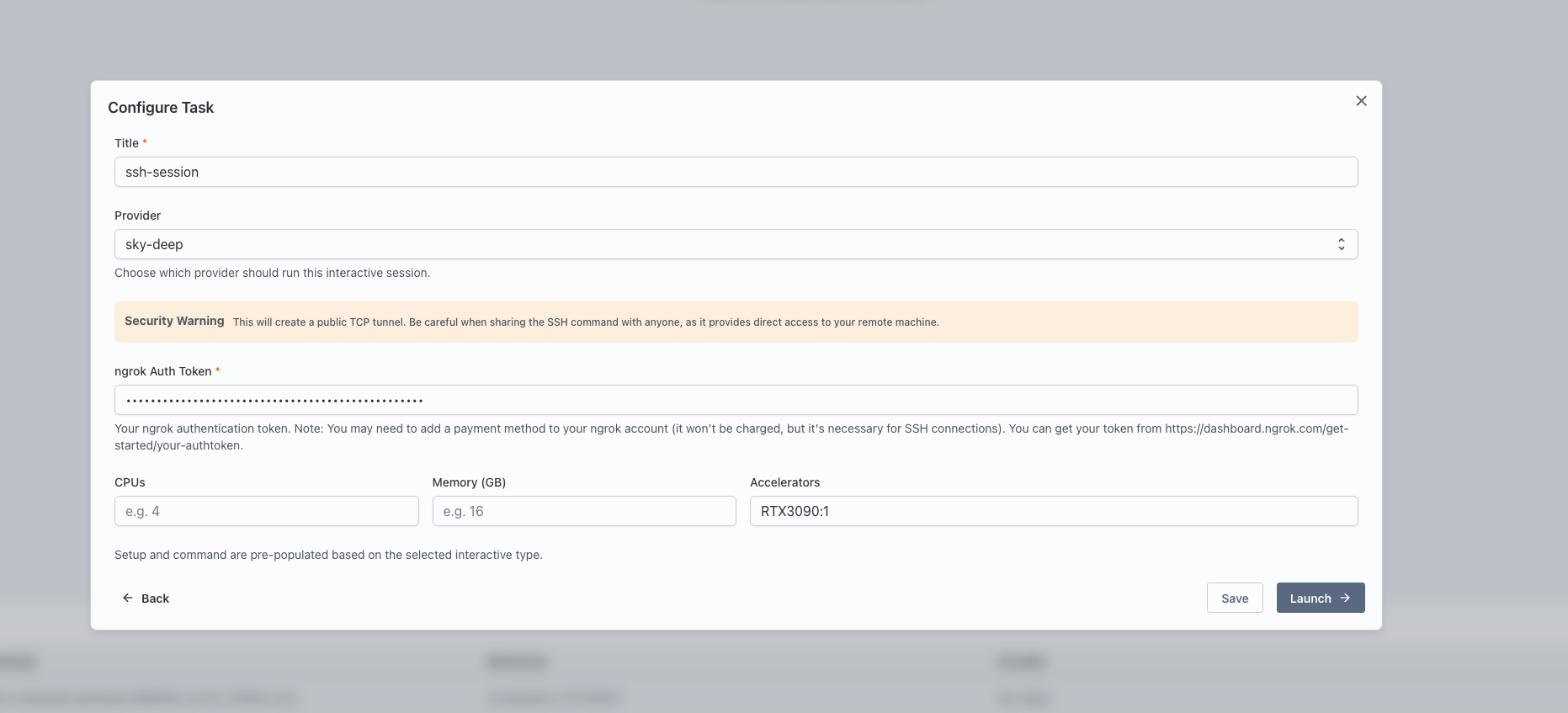
Configure the service:
- Enter a name for the service.
- Select the Compute Provider to use.
- Specify the resources: CPU, memory, and GPUs.
- Provide the ngrok auth token for tunneling.
-
Click "Launch" to start the SSH service.
-
Once launched, a card will appear for the service. Click the "Interactive Setup" button on the card.
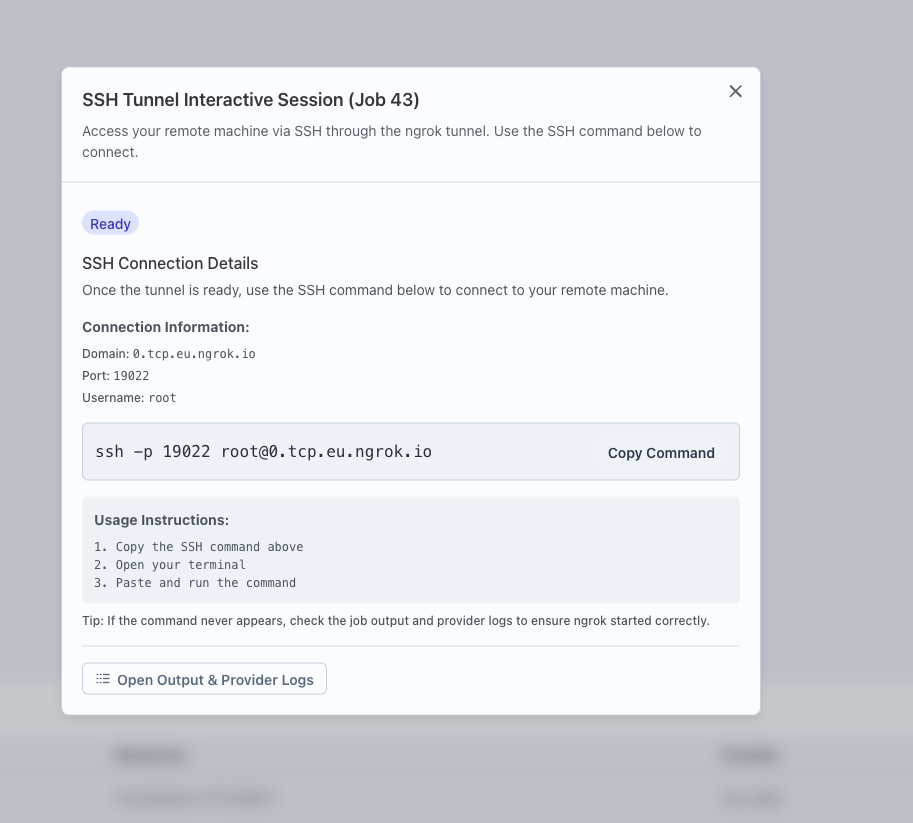
-
Follow the provided command to SSH into the remote server from any machine.
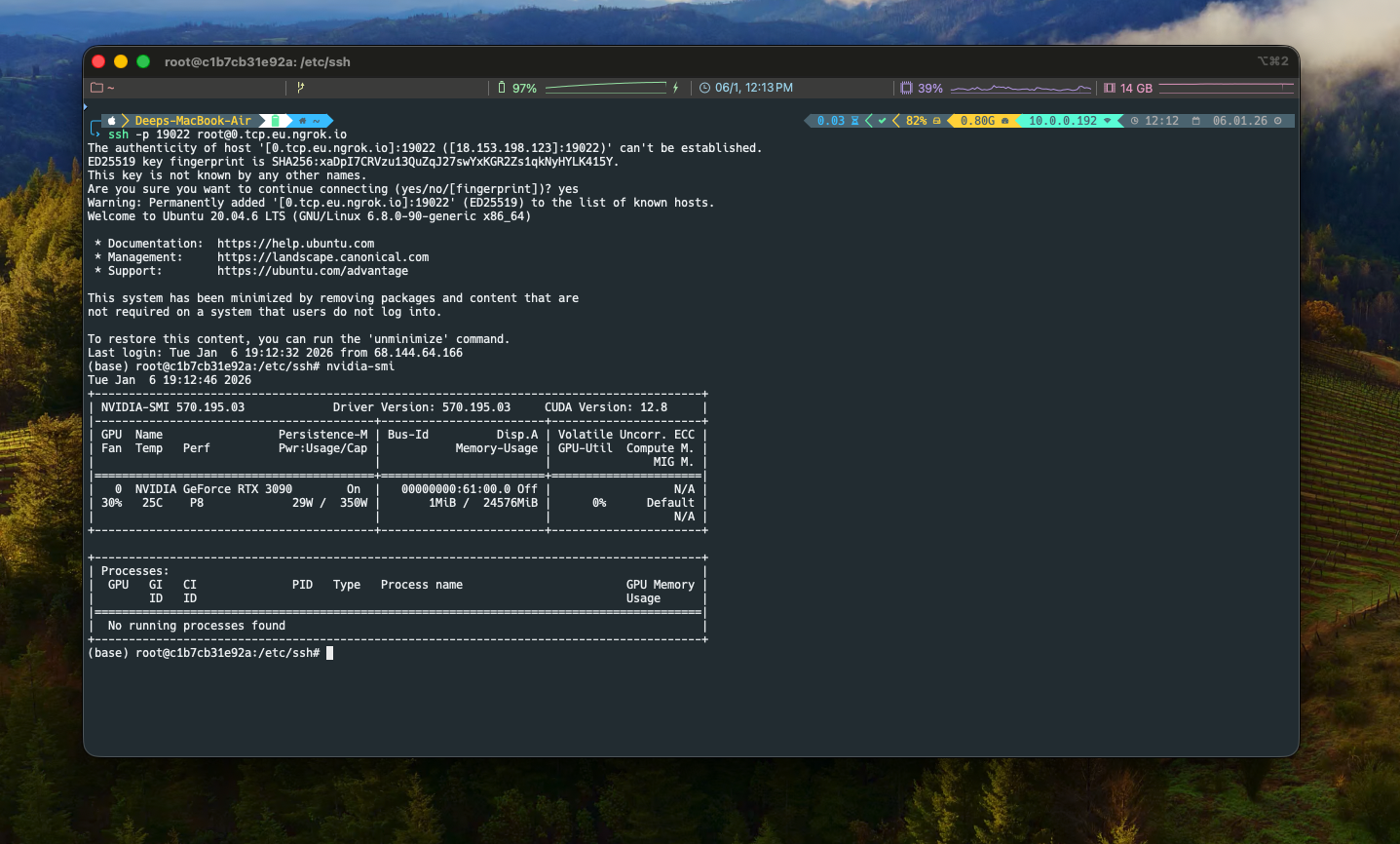
Warning: Do not share this SSH command or access details with untrusted individuals, as it provides direct access to the remote node.